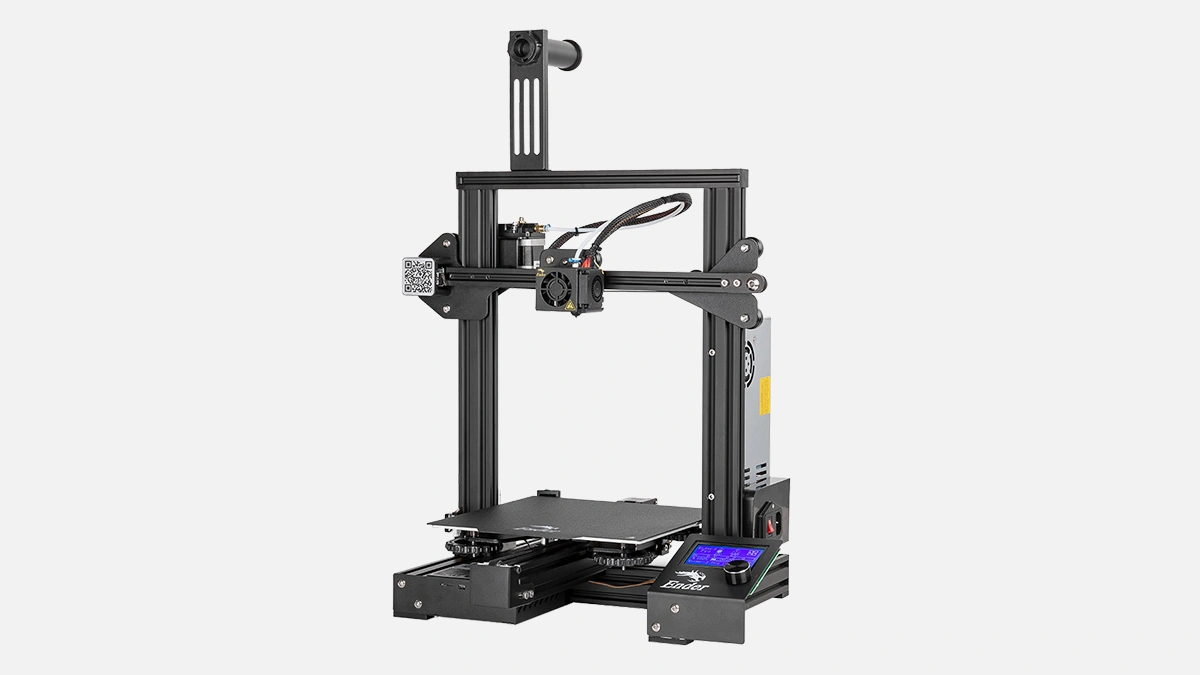
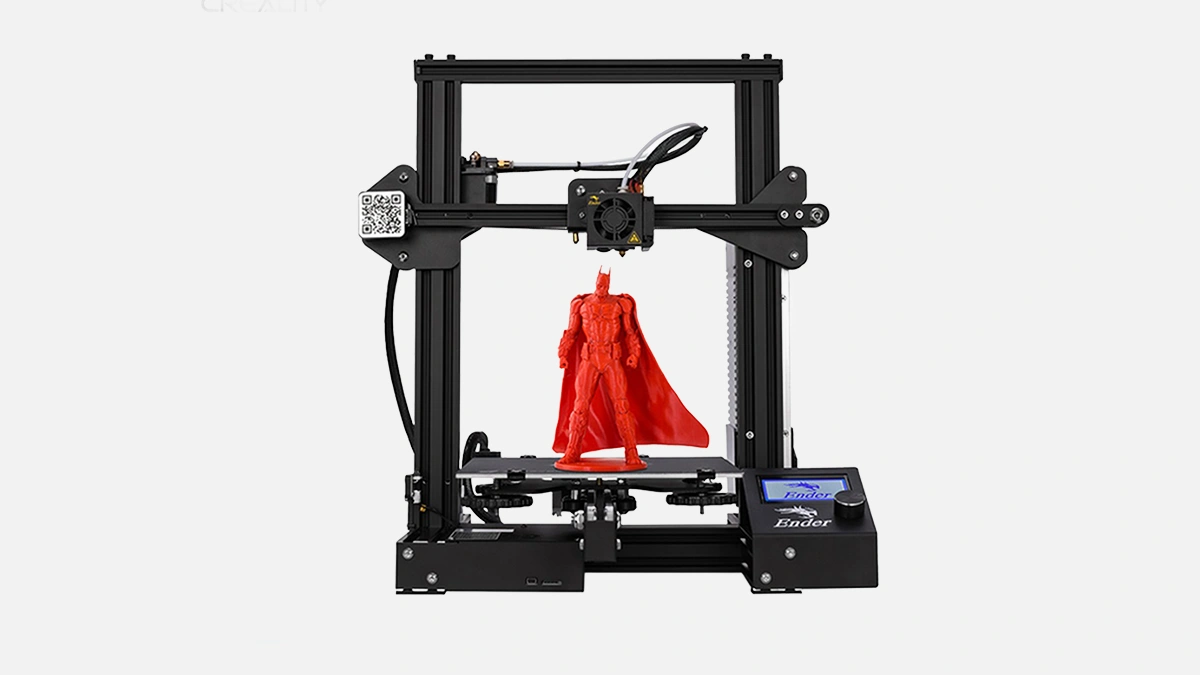
Creality Ender 3 desktop FDM printer, 220 mm cube build, perfect for quick jigs in UAE machine shops.
Small frame, open rails, nothing fancy. You drop the Ender 3 on the shop bench and it simply sits there, humming. 5 minutes later someone has already printed a calibration cube because curiosity at a machine shop is never in short supply.
So, what does a low-cost FDM printer even do for a metalworking crew in Dubai or Sharjah? Short answer, jig after jig. Long answer, read on because things get layered, literally.
Everyone around mills and lathes knows the pain of soft jaws made in a rush, the tenth fixture iteration, the quick vacuum adapter that must hold while the spindle pushes. Additive solves those micro problems the same afternoon.
– Print a gauge for edge-finder training.
– Pop out a dust shoe for an old plasma table.
– Mock up a motor mount before burning aluminium stock.
There is no guilt over sacrificial plastic, and the Ender 3 brings that mindset into the office of the chief engineer who normally thinks only in microns of steel removal.
Before we drown in numbers here is a table. Two breaths before, two after. Look, the digits are mundane yet they shape the user experience.
| Parameter | Value | Note |
|---|---|---|
| Build volume | 220×220×250 mm | enough for most hand-held fixtures |
| Nozzle temp | 255 °C | covers PLA, PETG, ABS |
| Bed temp | 110 °C | helps with warp control |
| Print speed | 180 mm/s (max) | real world 60-80 mm/s |
| Footprint | 440×410 mm | fits on a mobile cart |
| Weight | 7.8 kg | one person lift |
| Power | 270 W | same as a small grinder |
See, no rocket science. Yet every digit answers a shop-floor objection. Does it fit between the tool cabinet and the compressor, does it trip the breaker, can one operator move it next to the EDM during a rush job.
Short sentence. Longer rant incoming. The printer ships as a kit, frame halves, bags of screws, a tiny Hex key that chews through fingertips. Some machinists enjoy the ritual, others groan and delegate to an intern. Expect about 40 minutes if you are used to bolting vises, maybe 90 if you read the manual. Wiring is keyed, you would need real talent to mis-plug. Still, triple check the 230 V switch because Creality targets multiple regions. UAE mains is 220–240 V, flip that switch, avoid smoke.
PLA for visual prototypes, PETG for light fixtures, ABS if you build an enclosure and add exhaust because ABS fumes linger. Nylon works at reduced speed, you must replace the stock PTFE tube with Capricorn or similar. Forget metal filaments, they are gimmicks here, stick to engineering plastics.
Two bullet lists now, one good one cautious.
– What runs well out of the box
– PLA
– PETG
– TPU
– What needs tweaks
– ABS (enclosure, higher bed temp)
– Nylon (dry box, all-metal hotend)
– Polycarbonate (hardened nozzle, chamber heat)
People online compare the surface finish to a Prusa MK3S+, they zoom into layers, measure stair-steps with a USB microscope. Machinists care different, they ask will the part hold a drill bushing concentric within 0.2 mm. Yes, if you dial in flow and retraction. The Z-rod is single lead screw, slight banding shows on tall cylinders, perfectly acceptable for drill guides but maybe not for show models.
Dubai summers push ambient shop temps to 43 °C. The MeanWell PSU is rated 50 °C continuous so no issue, stepper drivers might thermal throttle only if you close the electronics box. Leave the bottom panel slightly vented, add a 40 mm fan if the room lacks AC. Bed adhesion drops in humid coastal air, a simple PEI sheet fixes that.
Stock Marlin build, limited by 8-bit board, yet silent drivers. Flashing is easy, copy a .bin to microSD, wait. Do it if you want mesh bed leveling. Otherwise print, ignore firmware blogs, go back to the mill.
Story jump. Comparison time, no flowery connectives.
– Ender 3 vs Creality CR-10
– Smaller footprint, same nozzle, CR-10 wins on volume but needs bigger table
– Ender 3 vs Prusa MK3S+
– Half the bed temp, MK3 has auto calibration, Ender wins on price and spare parts in the Gulf
– Ender 3 vs Anycubic Kobra
– Kobra has auto bed level, Ender has simpler mechanics, easier to maintain in dusty fab shops
Every machine prints plastic, only one slides under a CNC operator’s personal budget approval.
Creality pushed out Ender 3 Pro, V2, Neo, S1. They share the base frame, differ in mainboard amps, bed surface, direct drive on S1. For quick fixtures the plain Ender 3 already nails it, Pro adds a sturdier PSU, V2 brings quieter fans. Choose by noise tolerance, not print results.
Grease the Z-rod every 100 printing hours, tension belts monthly, replace the $0.80 Bowden coupler when you see play. Simple, no calibration lasers, no proprietary cartridges. Shops keep spare M4 T-nuts anyway.
Short burst. Vacuum form molds for acrylic signage, soft jaws for the Haas VF-2, sensor brackets for automation lines in Jebel Ali, dummy parts for client approvals. Plastic today saves aluminium tomorrow.
Ender 3 arrived back in 2018. Creality sells over 120 000 units yearly, meaning consumables, mods, YouTube tutorials flow nonstop. That ecosystem matters more than specs because downtime costs more than the printer.
The machine may wobble a bit, layers may shimmer, yet the ROI hits negative weeks thanks to zero tooling time on minor fixtures. That is why metal shops, yes even those cutting Inconel, quietly keep an Ender 3 behind the CMM.